

What to Set Up Before Your App Launches: A Founder's List
The boring accounts and logins behind an app decide who really controls it, so sort them out before launch day.
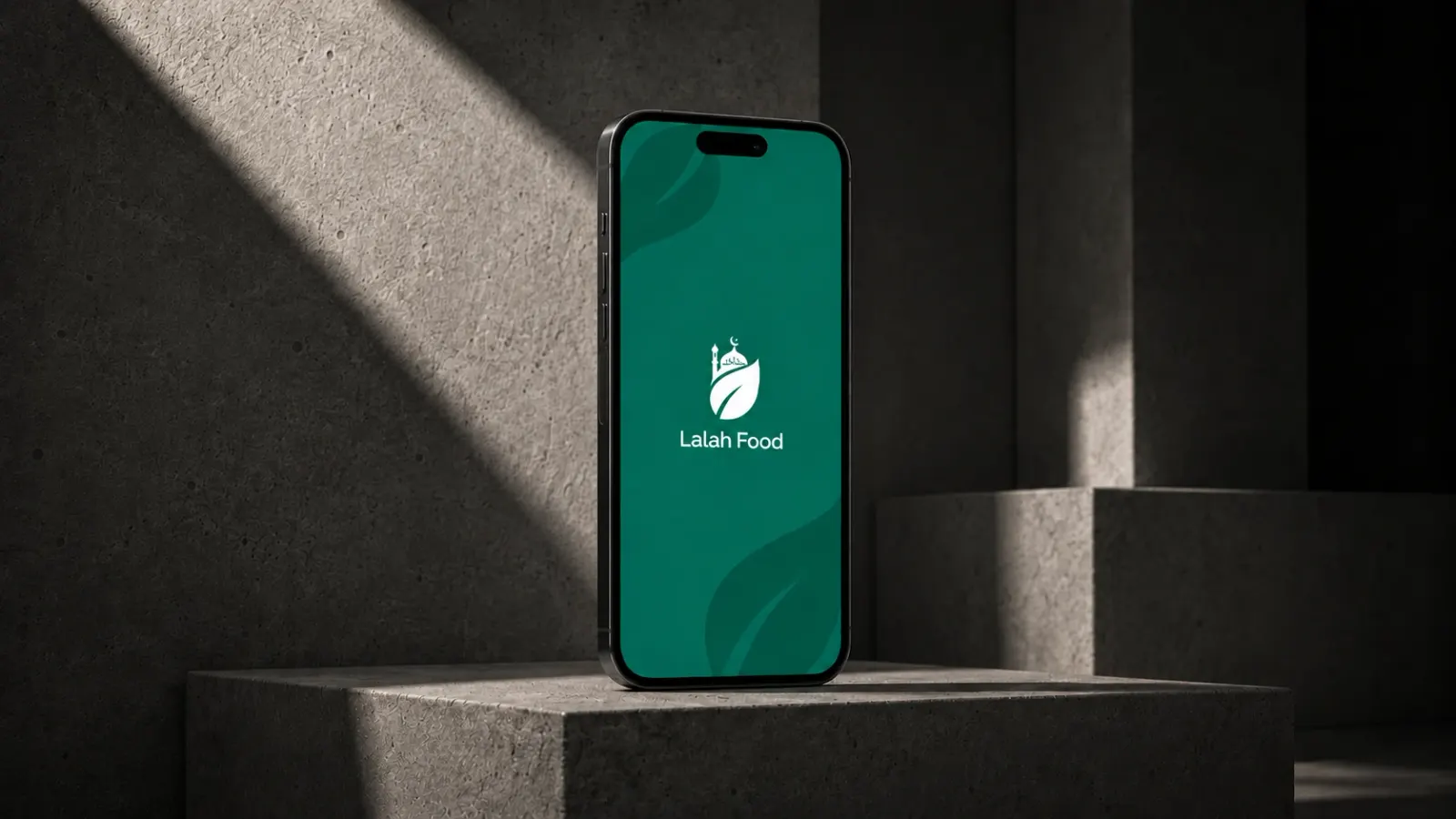

Indore, 1 November 2026, when a founder asks what they need before launching an app, they usually mean features. Which screens are must-haves, which can wait. That conversation matters. But there is a second list that almost nobody brings up on the first call, and it causes more trouble later than any missing feature: the accounts, logins and paperwork underneath the product.
I learned how long that list is on Lalah, a halal food discovery app we built for a founder in Melbourne. The client came to us with a clear idea and no technical setup at all. No domain, no business email, no cloud account. So alongside the app, the landing page, the admin panel and the backend, we bought the domain lalah.au, set up Google Workspace for business email and built the AWS infrastructure from scratch. We also wired in Firebase for analytics and push notifications, and the Google Maps API for the map and list views.
None of that shows up in a feature list. All of it has to exist before an app goes anywhere near a store. What follows is the list I now go through with founders, with Lalah as the example.
Domain and business email come first
Start here because almost every other account you create (Apple, Google, AWS, Firebase, your analytics) will ask for an email address, and whatever you give it becomes the recovery address for that account. If that is a personal Gmail, or worse, your developer's email, you have a problem waiting for you.
On Lalah the order was domain first, then Google Workspace on that domain, then everything else signed up with the new business addresses. The trail of logins starts with the business, not with a person.
What I tell founders at this stage:
- Register the domain to your business, not to your agency. If an agency buys it for you, as we did for Lalah, ask to see who is listed as the registrant. Country domains like .au also have eligibility rules, so the details need to be right.
- Use a shared role address (something like admin@ or apps@) for platform accounts, not one person's inbox, so access survives a staff change.
- Turn on two-factor authentication for the email account before anything else. It is the master key to the rest.
Apple and Google developer accounts in your own name
This is the one I push hardest on. Your app lives in the App Store and Google Play under a developer account, and whoever owns that account owns the listing, the reviews, the update history and the relationship with Apple and Google. Moving an app between accounts is possible but slow and fiddly. It is far easier to start in the right place.
So the developer accounts should be registered by the founder, in the founder's name or the company's name, and then the agency gets invited in with its own role. Apple and Google both support adding team members with limited permissions. Your developers can upload builds, manage TestFlight and Play internal testing, and submit for review without ever holding the owner login.
Two practical notes. Registering as an organisation with Apple needs a D-U-N-S number for the business, and getting one can take a while, so start early. On Google Play, new personal developer accounts currently have extra testing requirements before an app can go to production, which is another reason to set things up weeks before you plan to launch. Waiting on an account verification is about the most avoidable delay a launch can have.
Cloud accounts the client owns
Behind most apps there is a backend: a server, a database, file storage for photos, scheduled jobs. For Lalah that meant a Node.js backend on AWS, plus Firebase. Keen as Mustard, the bigger dating app we built for a Sydney team, used a similar mix of AWS hosting and Firebase for the real-time parts. You can read more about how we put these together on our backend development page.
The question that matters for a founder is simple. Whose account is it? If the cloud account belongs to your agency, then your product is running on someone else's infrastructure, on someone else's card, and you are relying on goodwill to keep it there.
My view is that the cloud account should belong to the client, with billing on the client's card, and the agency should work inside it with its own user and only the permissions it needs. On AWS that means separate IAM users rather than sharing the root login. The root account should be locked away with two-factor turned on and used almost never. The same thinking applies to Firebase and Google Cloud: the project belongs to the business account, and developers are added as members.
I'll admit this is slower at the start. When a client has nothing set up, it is tempting for any agency to spin everything up under its own accounts and tidy it up later. Later is when things get forgotten. I would rather lose a few days early.
Analytics, push and the API keys nobody thinks about
Founders usually ask about analytics after launch, when they want to know how many people opened the app. It needs to be in the build before launch, or those first weeks of data are simply gone. On Lalah we used Firebase Analytics, and the same Firebase project handles push notifications.
Then there are third-party keys. Lalah's map and list views run on the Google Maps API, which needs an API key tied to a Google Cloud project with billing enabled. That key should sit in the client's project, restricted to the app, with usage alerts set up. If the key lives in your developer's personal account and they close it, your map goes blank.
Write down every external service the app talks to. For Lalah it covered AWS, Firebase, Google Maps and Google Workspace. For Keen as Mustard it also included RevenueCat for subscriptions. Each one on that list needs an owner, a billing method and a named person who can log in.
Admin access and who holds the passwords
Most of the apps we build come with an admin panel. On Lalah, every restaurant a user submits is reviewed by an admin before it appears in the app, so the admin panel is where a lot of the daily work happens. Someone at the client's end needs their own admin login, and they need to be comfortable using it before launch day.
Then passwords. A password manager with a shared vault beats a spreadsheet or a WhatsApp thread every time. At handover, the founder should be able to answer three questions without calling us: where is each login, who else has access, and how do I remove someone.
The last one gets skipped most. People leave and agencies change, so removing someone should take five minutes.
Handover documentation
Our process ends with store submission, full handover documentation and support after launch. The documentation is what lets the founder, or a future team, run the product without us in the room. As a founder, I would check that it at least tells you which services the app uses, where it is hosted and how a new build gets to the stores. Our app development process guide explains where this fits in the overall project.
Lalah is a useful reminder of why this matters. Development was completed and the app was ready for launch, but the launch is on hold because the client's investor pulled out. That happens to startups. When a paused product gets picked back up, months later, nobody should have to remember a conversation to find a login.
The Lalah case study has the full scope of that project, and our page on startup MVP development covers first builds more generally. If you want to go through your own setup list with me, get in touch.
Questions we get about this
What do I need before launching an app?
Apart from the app itself, you need a domain and business email, Apple and Google developer accounts in your business's name, cloud and backend accounts you own, analytics set up before launch, admin access for your team, a clear record of who holds which logins, and handover documentation.
Should my agency create the App Store and Google Play accounts for me?
It is better to create the Apple and Google Play developer accounts yourself, in your own or your company's name, and then invite the agency in as team members with limited roles. Whoever owns the developer account owns the app listing and its history, and moving an app between accounts later is slow and fiddly.
Who should own the AWS or Firebase account for my app?
Your business should own the AWS or Firebase account behind your app. Billing should sit with you, the root or owner login should stay locked away on your side, and developers should work through their own user accounts with only the permissions they need. That way removing someone later is a quick change, not a migration.
What if I have no technical setup at all?
That is common. For Lalah, the client had nothing set up, so we bought the domain, set up Google Workspace business email and built the AWS infrastructure as part of the project. The important part is that it ends up owned by the client and documented at handover.