

Adding Paid Subscriptions to a Flutter App With RevenueCat
What goes into putting a premium tier inside a Flutter app, based on the subscription setup we built for a Sydney dating app.

Indore, 1 November 2026, I get asked about subscriptions on a lot of discovery calls, usually as a line near the bottom of the feature list: "and a premium version". It reads like one feature. It isn't. It touches the app, the backend, the admin panel, both app stores and the testing plan, so I wanted to write down how we handle it.
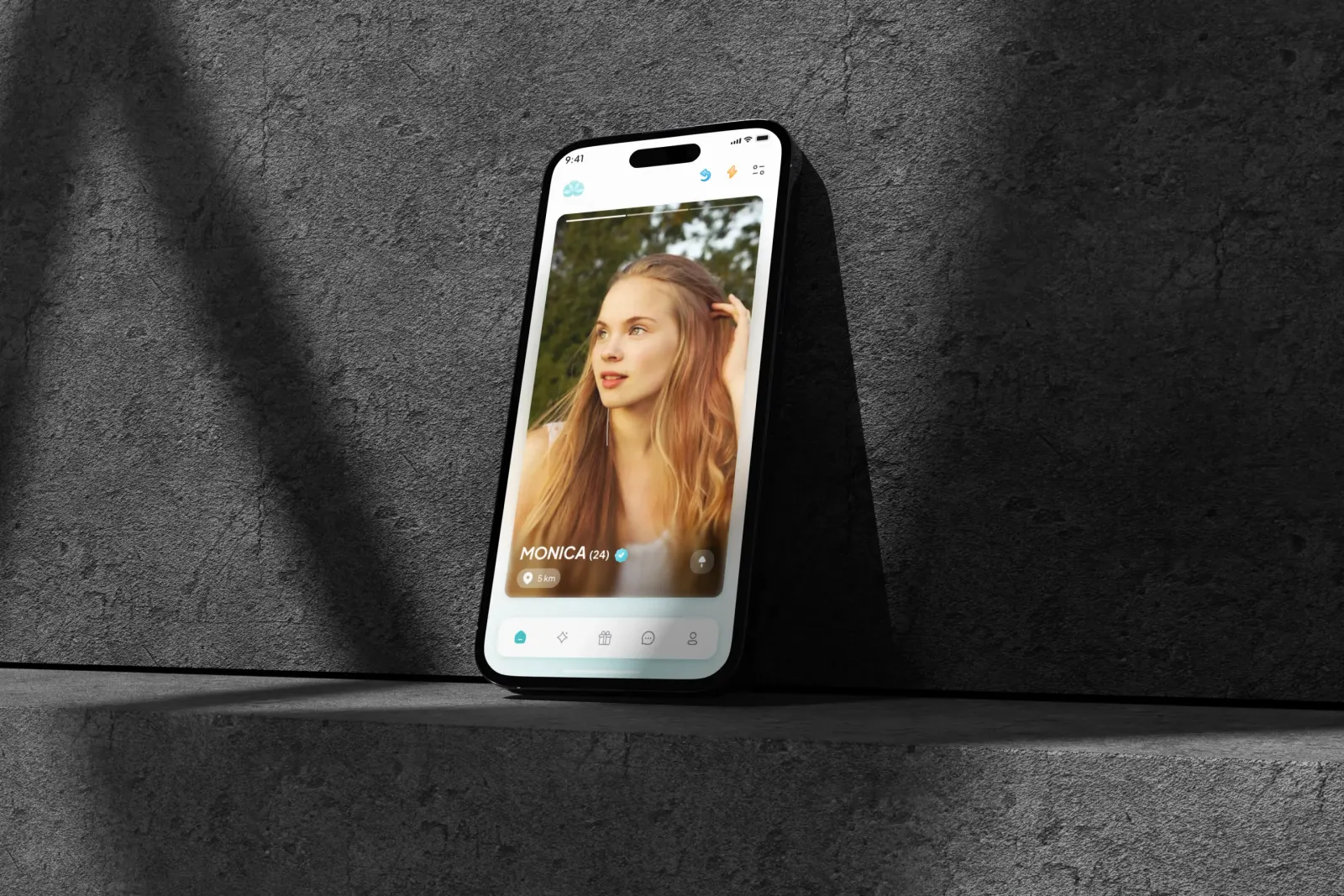
Most of this comes from Keen as Mustard, the dating app we built in Flutter for two co-founders in Sydney. It has premium subscriptions running through RevenueCat, and its admin panel covers subscriptions alongside verification, giveaways and moderation. The app was delivered on time. The founders later paused the store launch for personal reasons, so this is about the build and the testing, not about months of live subscriber data.
Apple and Google handle the money
Founders sometimes don't expect this part. If you sell something digital that is used inside the app (a premium tier, extra features, paid content), both Apple and Google generally require you to use their in-app purchase systems. You can't drop a card form into the app and charge people directly for it. Physical goods and real-world services are a different case and can go through your own payment provider.
So when a user taps "subscribe" in an iOS app, Apple shows the payment sheet, takes the payment and manages the renewal. On Android, Google Play does the same. Your app's job is to show the right products, start the purchase, and then work out, reliably and every time, whether this person is currently entitled to premium.
That last bit is the real work. Subscriptions renew, lapse, get refunded, go into billing retry when a card fails, get cancelled but stay active until the period ends, and move between devices. Apple and Google each describe all of this in their own formats, with their own server notifications and their own receipt or token checks.
Why we put RevenueCat in the middle
You can write all of that yourself. Your backend receives Apple's and Google's notifications, validates purchases with each store, stores the state and exposes a "premium or not" answer to the app. Some teams do. I didn't want a six-person team on a six-month timeline spending weeks on billing plumbing that isn't what makes a dating app worth paying for.
RevenueCat sits on top of both stores. The Flutter app talks to one SDK on iOS and Android, and RevenueCat deals with the store-specific validation behind it. The idea I like most is the entitlement. You define something like "premium" once, attach the App Store and Google Play products to it, and the app only ever asks one question: does this user have the premium entitlement right now? It doesn't need to know which store, which product or which renewal state.
That keeps the Flutter code clean. Screens check a single flag and show or hide premium features accordingly. When the products change later, say a new duration gets added, that is mostly configuration in the store consoles and RevenueCat, not a rewrite of app logic.
There is a trade-off. You are adding a third party between you and your revenue, which means another SDK to keep updated and another account the client has to own (and remember the login for). For most startups I think that is a good trade. If subscriptions were the entire product and the team had billing specialists, I might weigh it differently.
We build our apps in Flutter for both platforms from one codebase, and subscriptions are one of the places where that pays off. More on that on our Flutter app development page.
Deciding what is free and what is premium
Settle this before design starts. It is a product decision, and I push for it to be in the user stories from the first week. Every premium feature needs a locked state, an upgrade prompt and a way back, and those are screens. On a 100+ screen app like Keen as Mustard, the paywall is not one screen. It is a pattern repeated in many places, and our designer needs to know where.
A few things I look at with founders:
- The free version has to be good enough that people stay. In a dating app especially, a thin free tier means fewer active profiles for everyone, paying users included.
- Premium should add to the experience, not remove friction you put there on purpose. Users notice when a feature feels artificially broken to sell an upgrade.
- In my view, safety features should not be upsells. Verification, blocking and privacy controls are what make people trust a dating app in the first place, and on Keen as Mustard, dual verification and contact blocking are central to the product.
- Keep the first version of the tier simple. One premium entitlement is easier to explain, test and support than three overlapping plans.
I won't list which Keen as Mustard features sit behind the paywall, because that is the client's commercial decision. The structure is what matters: a clear set of premium features, all hanging off one entitlement, with the rest of the app fully usable for free.
Testing purchases without spending money
Subscriptions are awkward to test because the real thing involves real money and real time. Nobody wants to wait a month to see if a renewal works.
Both stores give you a way around it. Apple has sandbox testers you create in App Store Connect, and in the sandbox, subscription periods are shortened so renewals happen in minutes. Google Play has license testers and test payment methods for the same purpose. The products themselves also have to be set up in both consoles, with the right IDs, before any of it works, which is a step that often holds up the first test build.
On Keen as Mustard, test builds went out through TestFlight on iOS and Google Play internal testing on Android throughout the build, and by the largest build there were 546 internal testers. A test group that size is where you find out what happens on every path through a paywall, including the unhappy ones. The cases I want covered on any subscription app:
- First purchase, and the premium features appearing straight away
- Cancelling, then checking premium stays until the end of the paid period
- The subscription lapsing, and the app returning cleanly to the free state
- Reinstalling the app or signing in on a second phone
- A purchase that is interrupted halfway, or a payment that fails
Skip the last two and you will hear about it in support emails. A clear message and a sensible fallback on each is worth more than a polished paywall animation.
Restore purchases is not optional
Every subscription app needs a visible way to restore purchases. Someone gets a new phone, reinstalls, and expects their premium access to come back. Apple's reviewers look for it. I wrote about the wider submission side in a separate post, so here I'll just say: put the button where a confused user would look for it, usually on the paywall and in settings.
With RevenueCat, restoring is a single call that asks the store for the user's purchases and refreshes the entitlement. The harder part is the account side. In an app with logins, like a dating app, the subscription should follow the user's account rather than the device. The fix is to tie the RevenueCat customer to the app's own user ID, so a person who signs in on a new phone gets their premium back without needing to know the word "restore" at all.
Showing subscription status in the admin panel
The store consoles and RevenueCat's own dashboard are fine for revenue reports. They are not where a founder wants to answer a support message from a user who says premium isn't working.
On Keen as Mustard, the React and Node.js admin panel covers subscriptions next to verification, giveaways and moderation. Having it in the same panel as moderation matters. When a support reply or a moderation call depends on someone's subscription status, the founders shouldn't have to open the store consoles or ask a developer.
The usual way to make that work is for the backend to keep its own record of each user's subscription state, updated when RevenueCat reports a change. The app still asks RevenueCat for the live check, and the admin panel reads from the app's own database. It is a small piece of backend work. Easy to leave out of the first estimate, too.
My one piece of advice: plan the premium tier as early as you plan login. The rest of how we built the app is on the Keen as Mustard project page, and if you are working on something in the same space, our dating app development page is a good place to start.
Questions we get about this
Can a Flutter app have in-app subscriptions on iOS and Android?
Yes. A Flutter app can sell subscriptions through Apple's and Google's in-app purchase systems from one codebase. WakeUp Monster built premium subscriptions into Keen as Mustard, a Flutter dating app, using RevenueCat on top of both stores so the app checks a single premium entitlement on either platform.
Why use RevenueCat instead of building receipt validation yourself?
RevenueCat handles purchase validation and renewal states for both the App Store and Google Play behind one SDK, so the app only asks whether a user has premium access. Building that yourself is possible, but it takes time away from the features users actually pay for. The trade-off is one more third-party service to maintain and own.
How do you test in-app subscriptions before launch?
Apple provides sandbox tester accounts and Google Play provides license testers, both of which let you buy subscriptions without real charges and with shortened renewal periods. On Keen as Mustard, builds went out through TestFlight and Google Play internal testing to 546 internal testers, so purchase and renewal flows could be tested on both platforms before handover.
Can the admin panel show which users have a subscription?
Yes. On Keen as Mustard, the admin panel covers subscriptions alongside verification, giveaways and moderation, so subscription status sits next to the other tools the founders use day to day. To do this, the backend usually keeps its own record of each user's subscription state, updated from RevenueCat.